How to automate sales order entry in NetSuite
Compare five ways to get sales orders into NetSuite: CSV import, EDI, portals, custom integrations and AI purchase order processing, and how to choose.
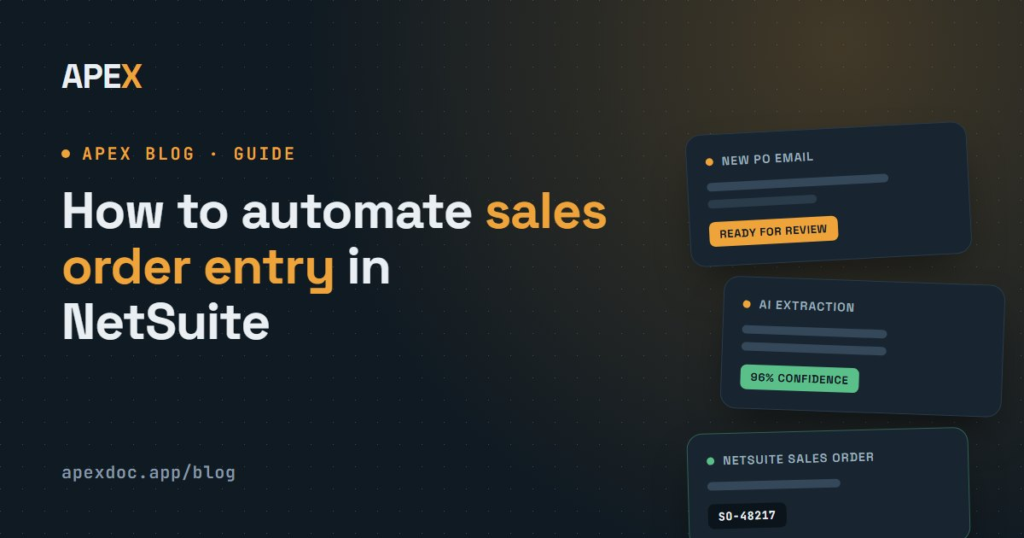
If your customers email purchase orders, someone on your team is probably opening each one, reading it and keying it into NetSuite as a sales order. At a few orders a day that’s manageable. At hundreds a week, it becomes a full-time job that’s slow, error-prone and hard to scale. This guide covers the main ways to automate sales order entry in NetSuite, what each one suits, and how to choose.
What manual sales order entry really costs
Manual entry typically takes 5–10 minutes of hands-on time per order: open the email, find the customer, key each line, check prices and quantities, and save. The time is only part of the cost:
- Errors. A mistyped quantity or item code means a wrong shipment, a credit note and a frustrated customer.
- Delays. Orders wait in an inbox until someone gets to them, especially at month-end or in peak season.
- Duplicates. Customers resend orders, and a second copy can easily be keyed twice.
- Scaling. More orders means hiring more people to type them.
To put a dollar figure on it for your team, use the purchase order automation ROI calculator.
Five ways to get sales orders into NetSuite
1. CSV import
NetSuite’s Import Assistant (Setup > Import/Export > Import CSV Records) can create sales orders from a spreadsheet. It works well for bulk loads in a consistent format. But someone still has to get every customer’s purchase order into that one format first, which usually means the retyping just moves into Excel.
2. EDI
Electronic data interchange sends orders as structured messages that flow straight into NetSuite. It’s ideal for large trading partners that already use it. But each connection needs setup and testing with that partner, and most smaller customers will never adopt it, so EDI rarely covers more than your biggest accounts. We compare the two approaches in APEX as an EDI alternative.
3. A customer ordering portal
A B2B web store or portal lets customers place orders that land in NetSuite directly. It removes data entry for the customers who use it, but you have to persuade them to change how they order. Many buyers’ purchasing systems generate a PO and email it, and that’s what they’ll keep doing.
4. A custom integration
Developers can build a SuiteScript or API integration for a specific customer’s system. It’s worth it for one large, stable feed. For dozens of customers with different formats, it’s expensive to build and maintain.
5. AI purchase order processing
AI document processing reads the purchase orders customers already email, in any layout, and turns them into NetSuite sales orders. Customers change nothing, and there’s no template to build for each one. This is how APEX Document Processor works:
- APEX checks your order mailboxes every 5 minutes, around the clock.
- AI extracts the customer, PO number, dates, delivery address and every line item from the PDF, CSV or XLSX attachment, and scores its confidence.
- Customers and items are matched to NetSuite, including customer SKUs that don’t match your item codes.
- A reviewer checks the order beside the original document, and one click creates the sales order through the native NetSuite API.
Comparing the options
| Approach | Customer has to change? | Handles any PO layout? | Best for |
|---|---|---|---|
| Manual entry | No | Yes, slowly | Very low volumes |
| CSV import | No, but you reformat every order | No | Bulk loads in one format |
| EDI | Yes: they need EDI | No, structured messages only | Large trading partners |
| Customer portal | Yes: they order online | Not applicable | Customers willing to switch |
| Custom integration | Usually not | One format per build | A single high-volume feed |
| AI PO processing (APEX) | No | Yes: PDF, CSV and XLSX | Every customer who emails orders |
Most businesses end up combining approaches: EDI for the few partners that require it, and AI processing for everyone who emails.
What to look for in an automation tool
- A native NetSuite connection, so orders are created through NetSuite’s API, not exported to files for someone to import.
- Customer and item matching that learns over time, including SKU translation and substitution rules.
- Confidence scores and exceptions, so uncertain orders are flagged instead of guessed.
- Human approval before anything reaches NetSuite.
- Duplicate prevention, because customers do resend orders.
- An audit trail linking every sales order to its source document.
- Security you can explain to IT. See how APEX handles it on the security page.
What results look like
In production with APEX, the median time from an email arriving to the order being ready to confirm is 4 minutes, and reviewing an order takes under a minute. One customer, Clarus Adventure, received 2,458 purchase orders in 30 days without typing a single one. Read the Clarus Adventure case study.
Frequently asked questions
Can NetSuite automatically create sales orders from emailed purchase orders?
Not on its own. NetSuite can import sales orders from CSV files and receive them through EDI or integrations, but reading emailed PDF, CSV or XLSX purchase orders in each customer’s own layout takes a document processing tool such as APEX, which creates the sales orders through the NetSuite API.
Do I need templates for each customer’s purchase order format?
Not with AI processing. AI reads each purchase order the way a person would, so new customers and new layouts work without setting up a template.
Is automated sales order entry accurate enough to trust?
With the right checks, yes. APEX scores the confidence of every extraction, flags uncertain items, prices and possible duplicates, and requires a person to approve each order before it reaches NetSuite.
Keep reading
GUIDES
How to handle customer SKUs that don’t match your item codes
Why customer part numbers don't match your item codes, how to build a SKU cross-reference, and how to automate SKU translation on emailed POs.
GUIDES
Purchase order vs sales order in NetSuite
A purchase order is the buyer's document and a sales order is the seller's. How each works in NetSuite, and where your customer's PO number goes.